
Let the AI summarize the qualitative story
While the DCF page focuses entirely on numbers, the Analysis tab provides the narrative behind those numbers. It automatically generates a qualitative assessment of the company's business model, competitive position, and recent management commentary.
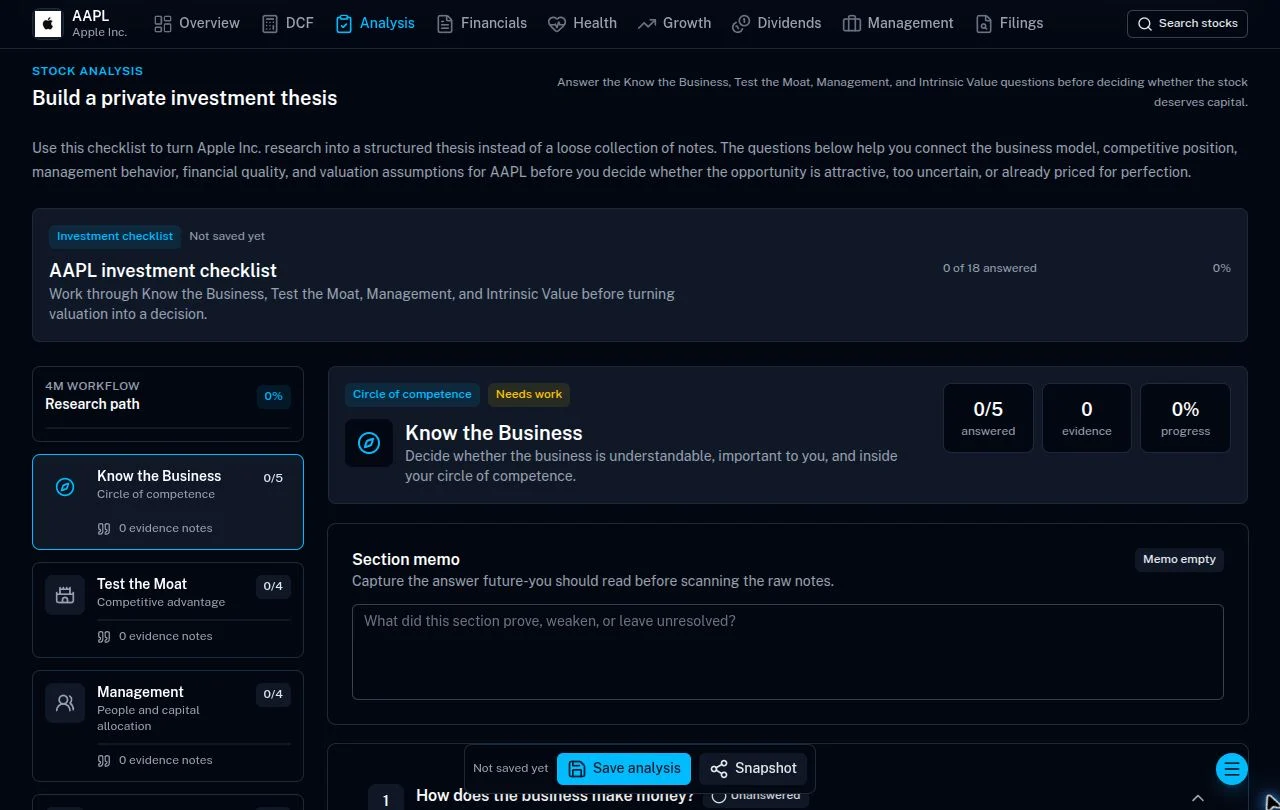
- Business Quality: Learn how the company actually makes money, its primary revenue drivers, and how susceptible it is to macroeconomic cycles.
- Economic Moat: Look for signs of pricing power, network effects, or high switching costs that protect the company's long-term profitability from competitors.
- Growth Vectors: Identify where management is focusing future capital—whether that's international expansion, new product lines, or acquisitions.
Watch out for automated red flags
One of the most critical features of the Analysis page is its ability to scan for hidden risks that might not be immediately obvious in a standard stock screener.
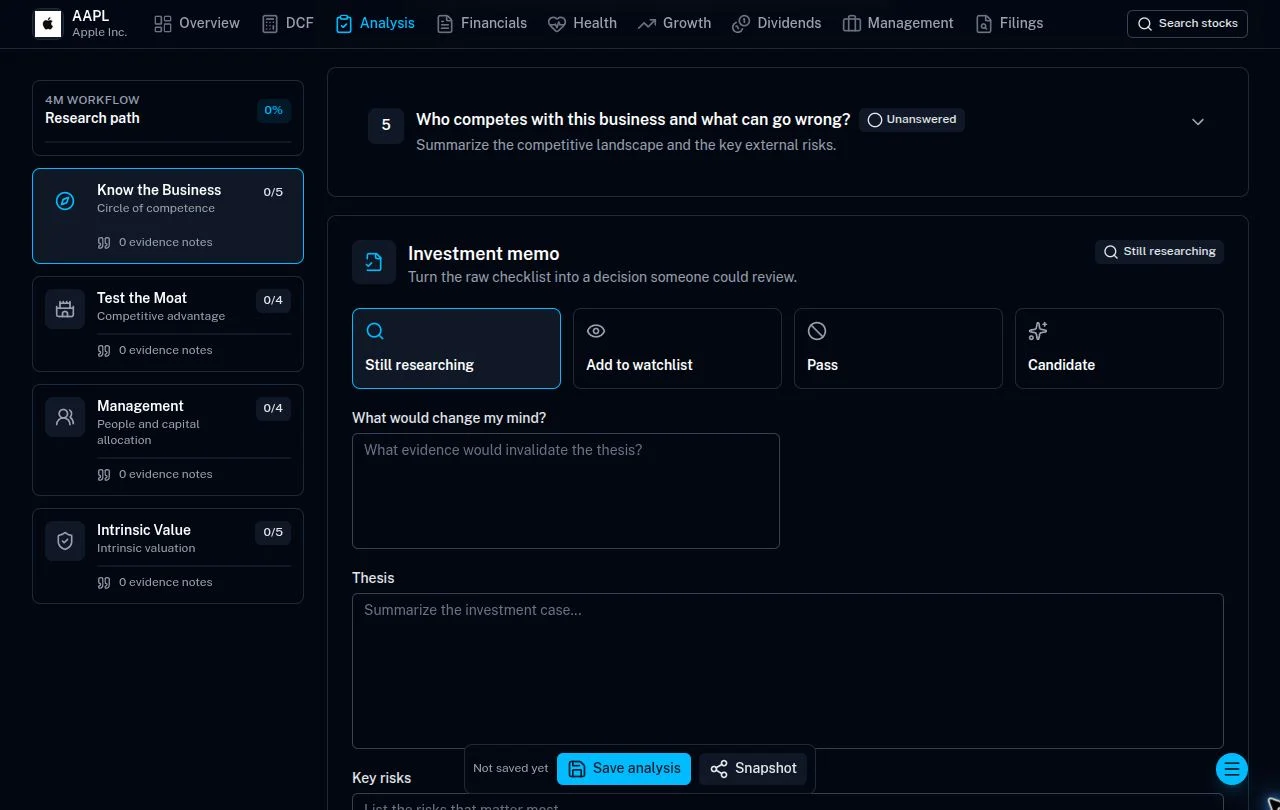
- Customer Concentration: Is the company overly reliant on one or two major clients? If so, the loss of a single contract could devastate revenues.
- Regulatory Risks: Are there pending lawsuits, antitrust investigations, or new laws that could disrupt the business model?
- Accounting Anomalies: The system may flag aggressive revenue recognition practices or discrepancies between net income and cash flow, warning you to look deeper into the Financials tab.
Cross-check the story with the numbers
A great qualitative story is only useful if it's backed by financial reality. Use the Analysis page as your starting point, but always verify its claims using the other tabs.
- If the analysis claims the company has a strong moat, switch to the Growth and Financials tabs to see if margins are actually expanding.
- If it mentions a pristine balance sheet, flip to the Health tab to ensure debt levels and liquidity match the narrative.